This is part of a series on some of the projects I worked on as a part of my time at the Apple Developer Academy in Naples, Italy.
How do you connect people without just making another social media app?
This was the question my team kept circling back to when we started this project and were just getting to know each other.
We all had the same problem: friends we loved, scattered across different time zones and cities, who we wanted to stay close to but never did. And when we picked apart why, it came down to the same few things.
Messaging is heavy. Starting a conversation from nothing requires you to be a bit vulnerable, to put yourself out there first, and that’s a real barrier when you just want to say “I’m thinking about you”.
Even when you do message, it’s often surface level. “How are you”…“good you?” and then nothing. It doesn’t really go anywhere, and it definitely doesn’t recreate what you actually miss: the small, dumb, daily stuff. Seeing what someone’s eating for lunch. Knowing it’s raining where they are. The low-stakes noticing you get for free when you see someone in person, that just evaporates the second you’re not.
So we started asking a different question. What if staying in touch wasn’t a conversation you had to initiate, but a small game you played together? I quick interaction to help each other stay present in each others’ lives.
What if each person only had to complete half of something?
Knot came from that
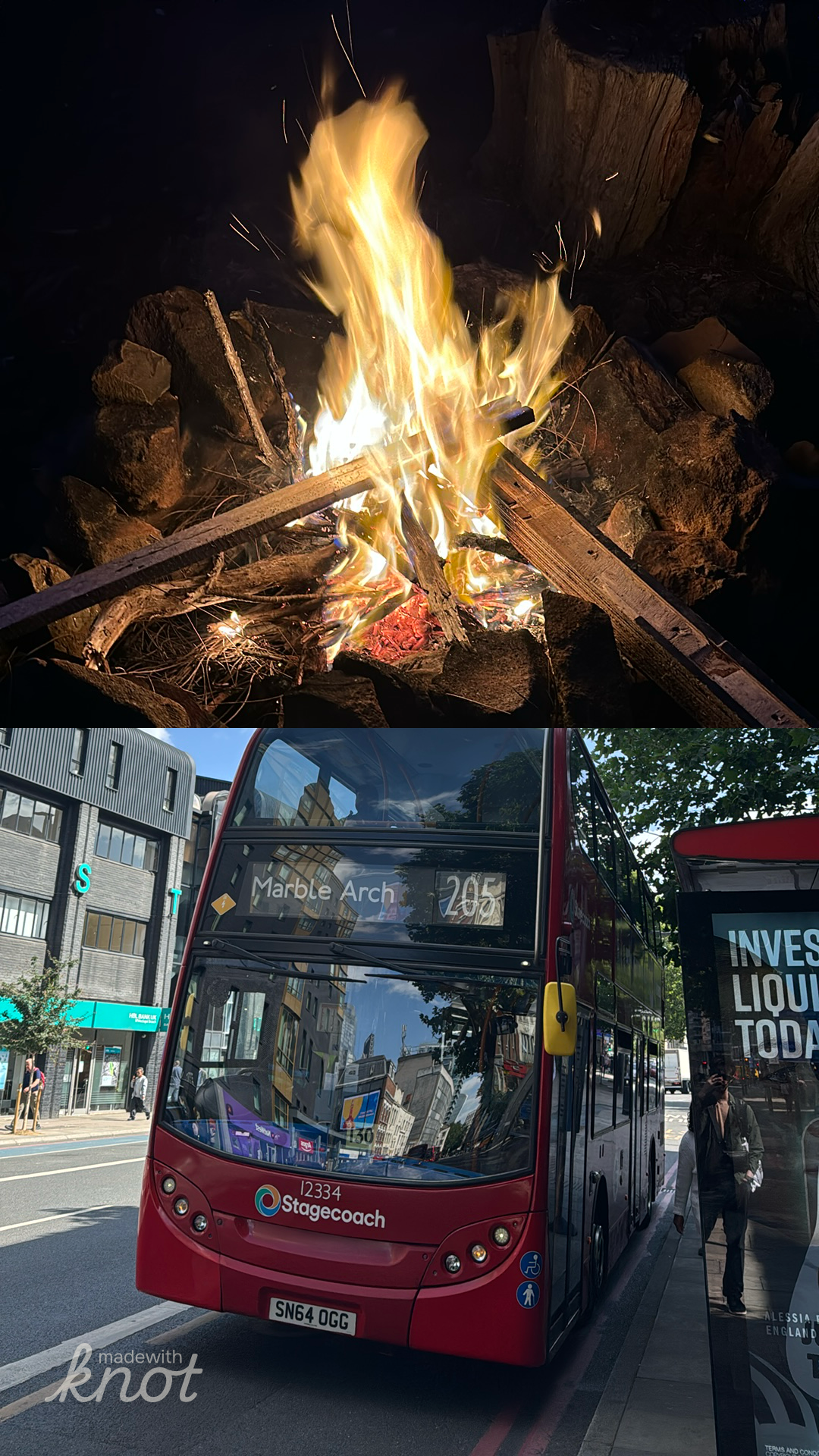
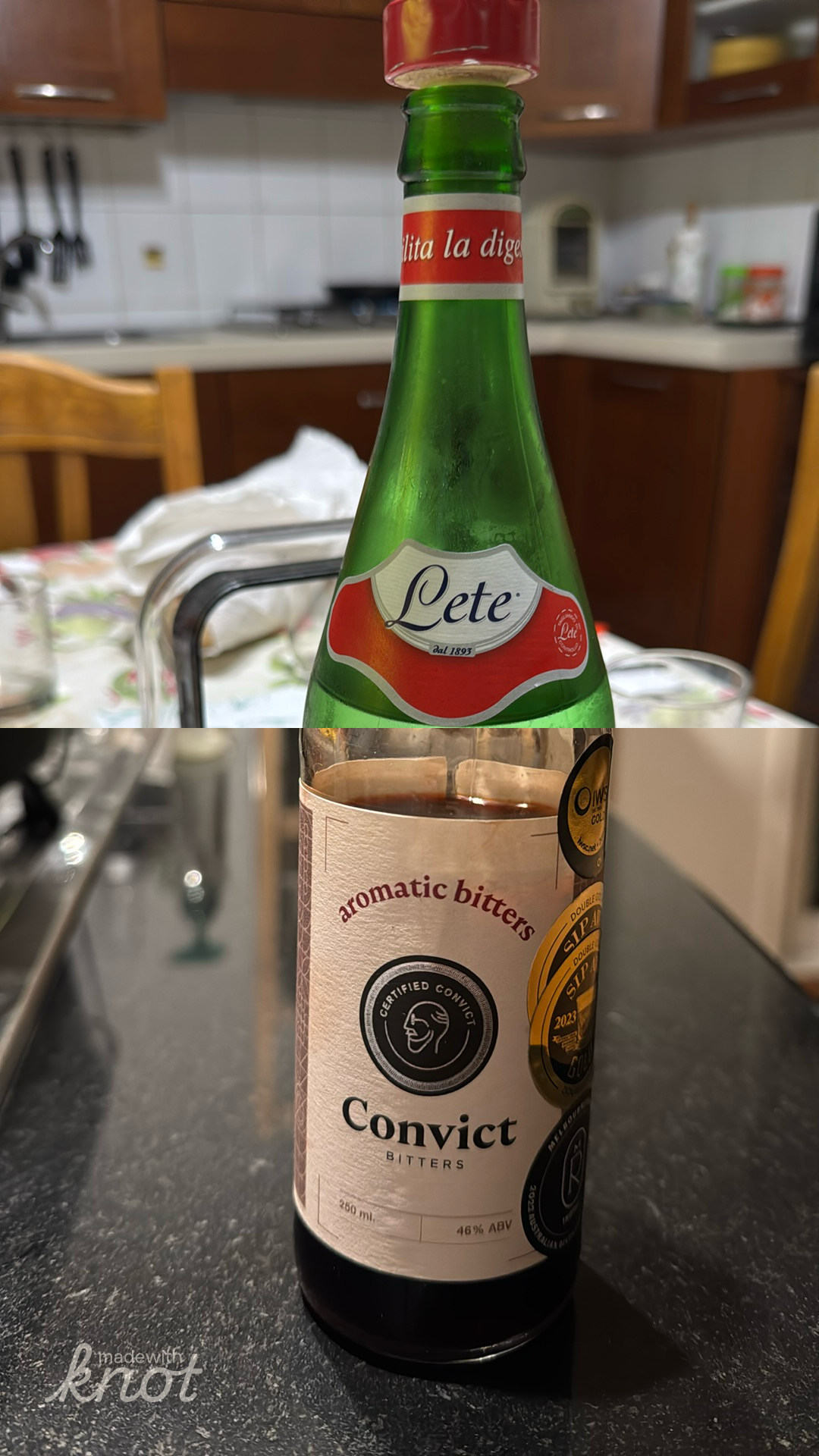
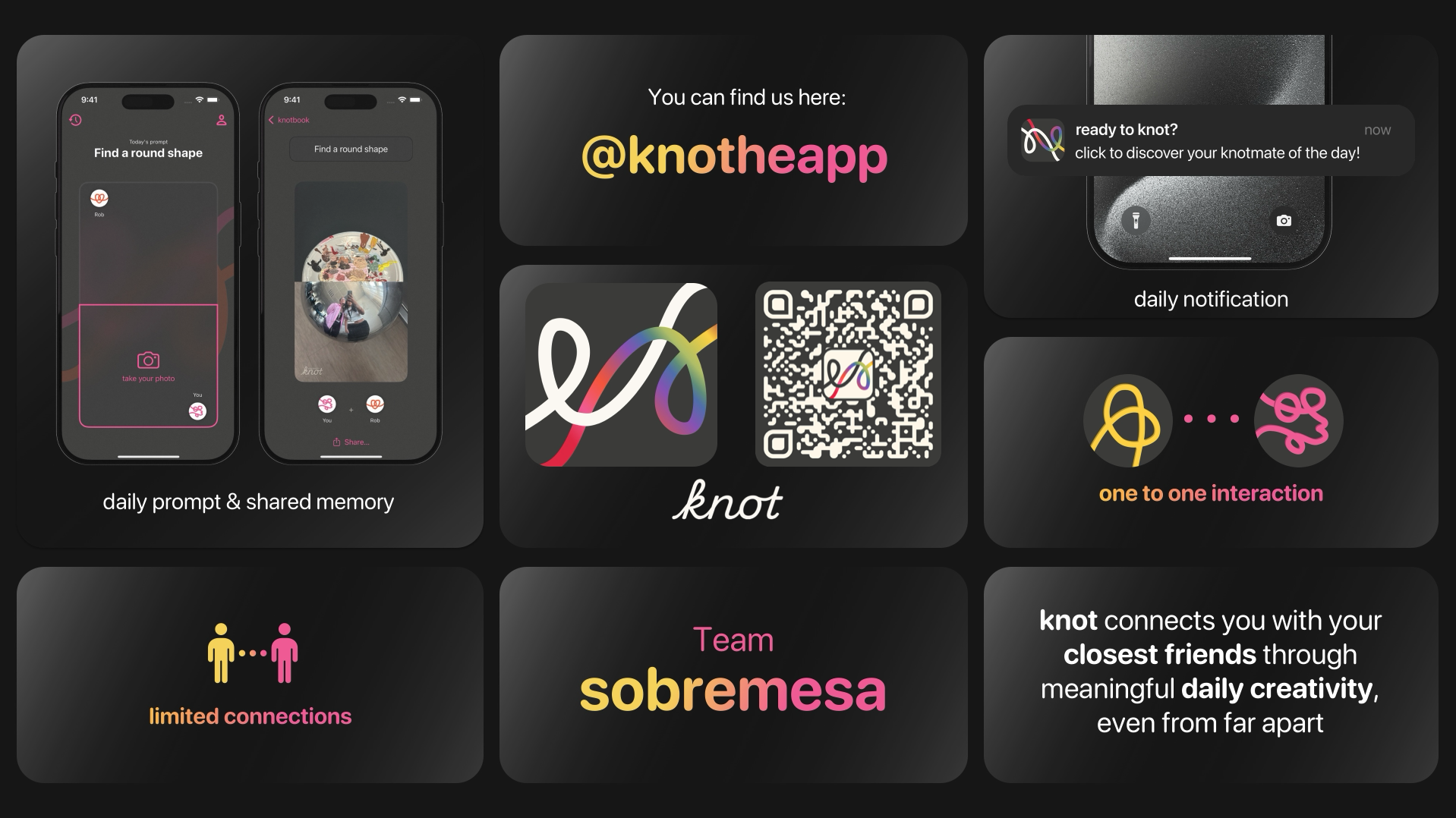
The core idea: every day, you’re randomly paired with one of your friends and given a creative prompt to respond to. You each take your half of a photo, and when you’re both done, the two halves click together into one image.
A few rules made this work the way we wanted it to:
- Only photos taken in the moment: no camera roll, no digging up something old and pretending it’s now. If you want to play, you just have to be a bit creative right then, in the moment.
- A daily reminder, and a bit of social pressure: you get a notification, your knotmate is waiting, and there’s a small nudge to actually follow through. Not guilt-trippy, just enough to get you to open the app.
- One partner a day, drawn from your own small circle: you can add up to six friends, so you’re guaranteed to see people regularly and it doesn’t get overwhelming.
- No feed: We wanted the app to be used with intention, even if that was only for 30 seconds a day. No algorithmic feed, no seeing other friends’ images. Just the one person you’re connected to for that day. The images can be shared to other apps easily, but that’s not the main point.
UX
I was the UX and visual design lead for the project, and there were 3 key takeaways from our early user-testing:
It needs to be light
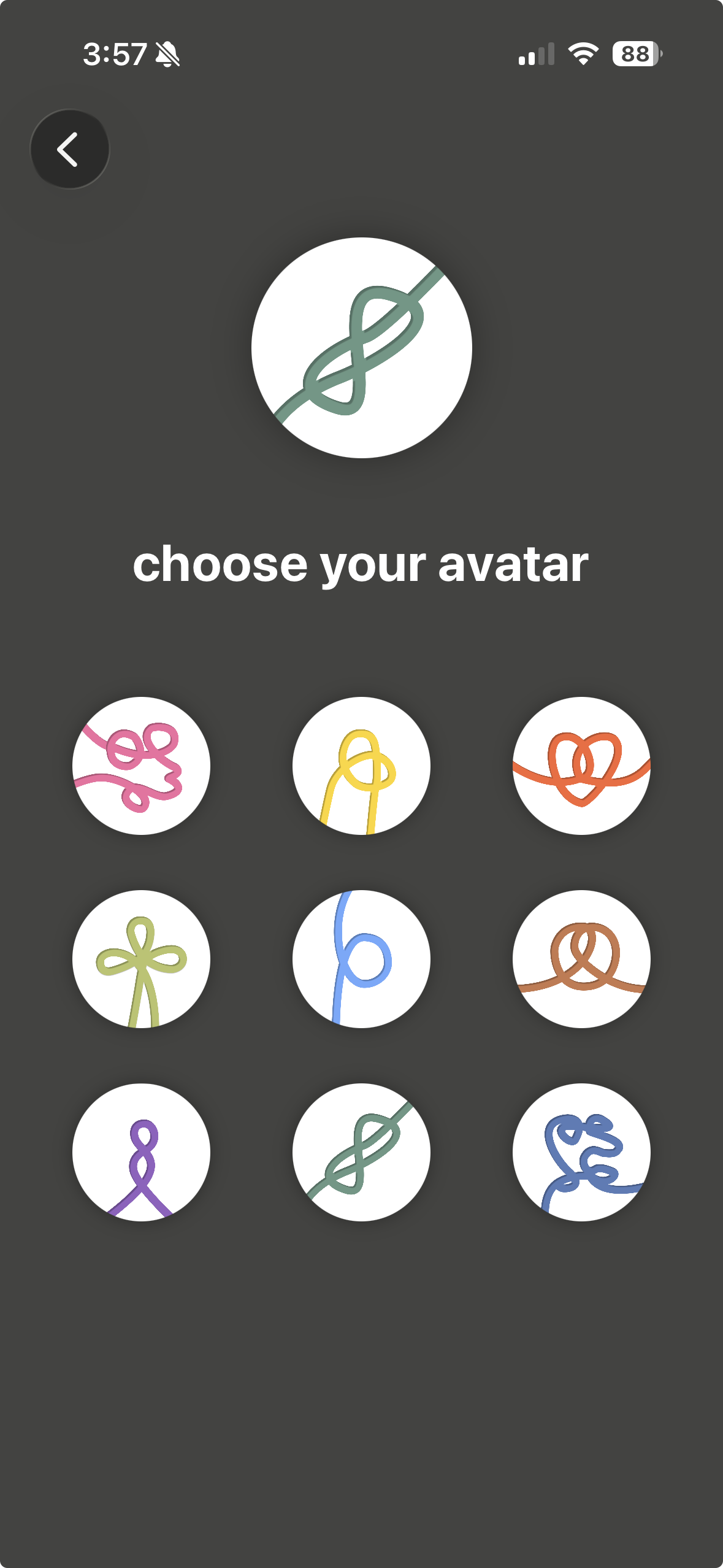
No heavy account creation, no long sign up forms. We solved this by making the account tied to the phone, users just had to type a username and pick one of our cute knot profile pics. Connecting with friends was as simple as sharing a link.
It should be beautiful, and the design should reinforce your connection.
People are drawn to interesting and good-looking apps, especially those that look a little different.
Every day, the app reveals to you who you’re paired with and the prompt you’ll have to complete. Rather than giving it away in the notification, users are drawn in for the big reveal. The motion design builds suspense, ties the both of you together.
The images become memories, so make them easy to access
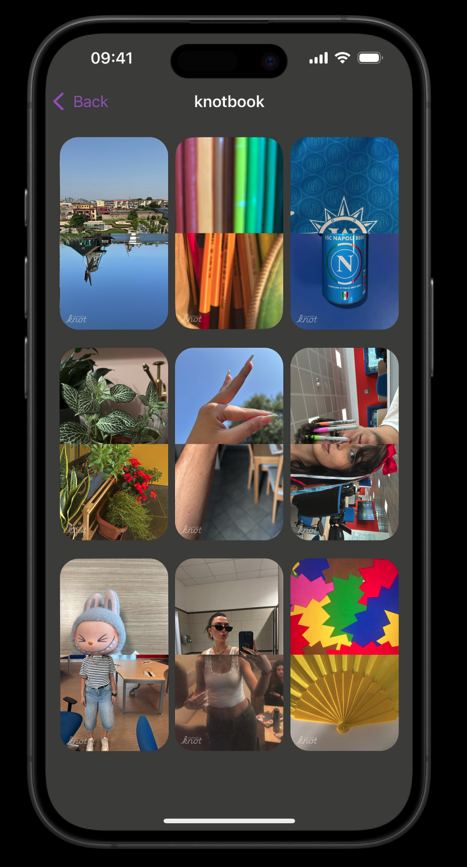
Every finished knot gets saved into your knotbook, so over time it becomes this quiet, growing little archive of your friendships, one small daily moment at a time.
Technical complexity
Once we had landed on the idea, we hit our first technical problem: how do you match people?
Everyone’s friend group looks different. Some of your six friends have you as one of their six, some don’t. So each night, we needed to work out a fresh set of pairs across the whole network of users that would:
- minimise the number of people left without a match on a given day
- minimise the chance of the same two people getting paired again the next day
That’s a graph matching problem hiding inside what looks like a simple “who’s my person today” notification. We ended up modelling the whole friend network in Neo4j, since a graph database made it much more natural to query things like “who hasn’t been matched recently” or “who’s running low on options today” than trying to force it into a relational table. Getting it right so the app actually feels varied and alive (rather than just pairing you with the same best friend every single day) took more thought than I expected going in.
We had to make tradeoffs to make it work (e.g., sometimes you’ll have a day where you don’t get a match), but the process of solving the technical problem was a great lever to dig deeper into how we actually wanted the app to function and what functionality was worth dedicating extra technical bandwidth to.
Outcome
knot is live on the App Store, free to download.
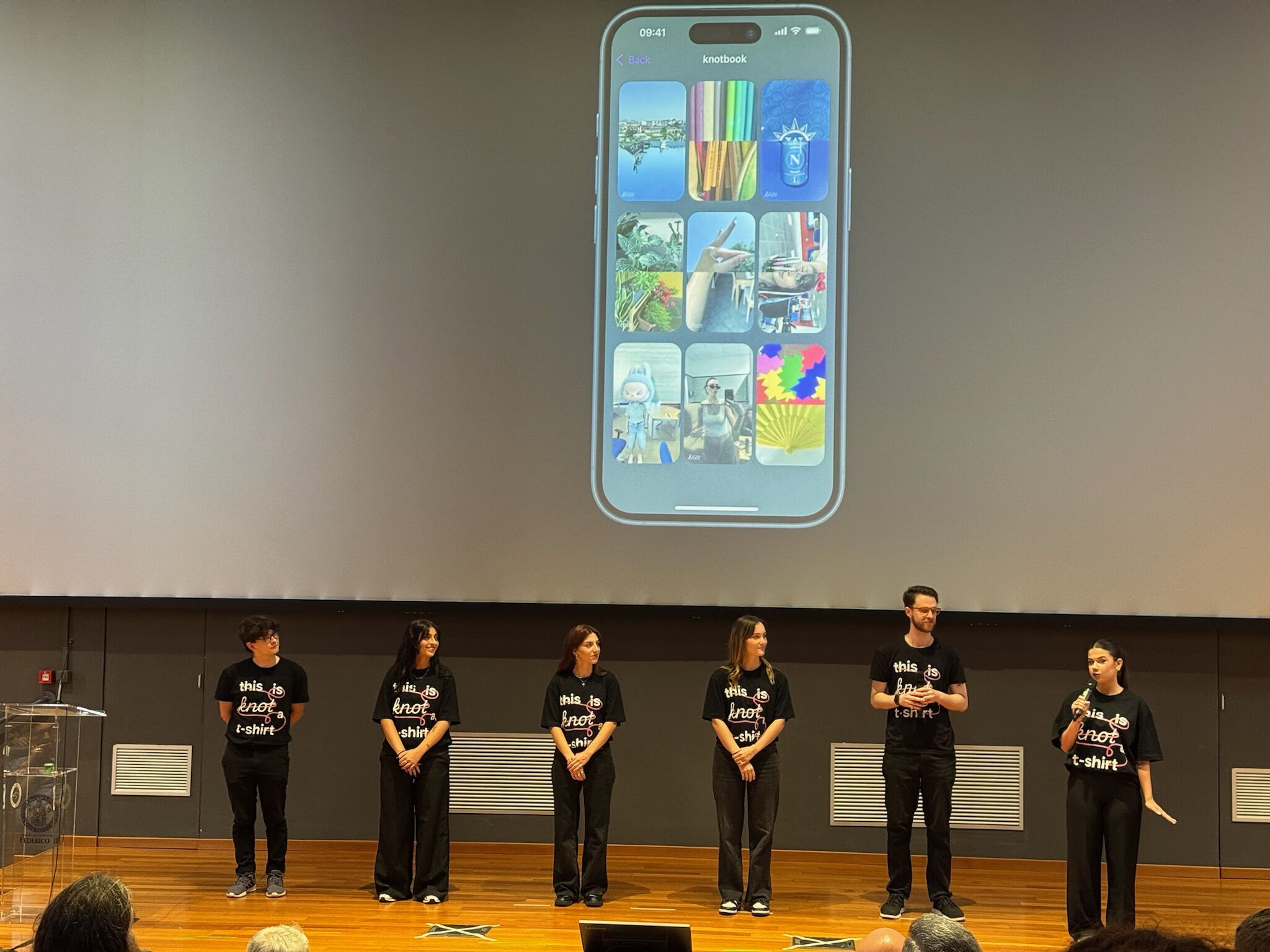
We were also one of only four teams selected to present at the final Apple Developer Academy graduation showcase. We were able to work with a presentation team from Apple for two weeks (a gruelling but rewarding experience!), and then presented our app in front of 300 colleagues, members of the Italian press, and executives from Apple.
I’m super proud of what this team and I were able to achieve in only 3 months. Full ideation-to-shipped-product app development with lots of learning along the way.
Future work
There’s more we’d love to add if we kept building this out:
- Filter shapes: right now the two photo halves click together along a straight line, but there’s a lot of room to play with how the split happens
- Reactions: a lightweight way to respond to your knotmate’s half beyond just completing your own
Team
Built with Team sobremesa at the Apple Developer Academy: Federica Bertini, Annamaria Fidanza, Giorgia Granata, Valeria Guardascione, Francisco Mestizo, and me. I led UX and visual design (collaboratively, as always) and front-end code in SwiftUI, alongside Francisco on the technical side, with Federica, Annamaria, Giorgia, and Valeria driving marketing and content.
You can find us at @knotheapp.